
DTF Placement Guide
Exact sizes and placement distances for every common print location, from 20+ years of running a print shop in Kendall. These are the numbers we actually use.
The 3-inch rule: the most important placement rule
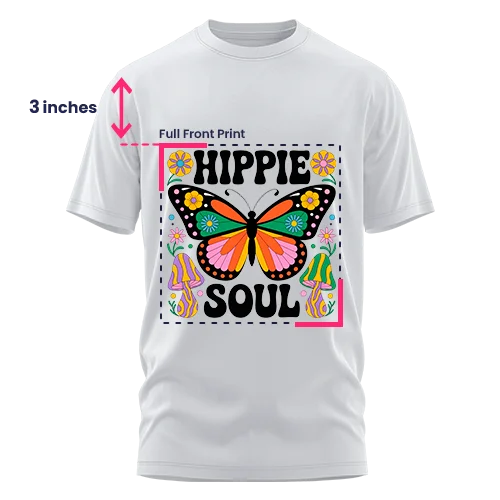
Place the top edge of any front transfer about 3 inches below the bottom of the collar seam. It is the single best starting point for full front, center chest, and left chest on adult tees and hoodies.
Three to four fingers stacked below the collar gets you close to the 3-inch mark. For back placements the rule shifts to 4 inches down.
Youth shirts: drop to 1.5 to 2 inches. Infant onesies: 1 to 1.5 inches below the neckline. A very tall design may need to move up slightly.
It is a starting point, not a law. A logo that sits lower than expected is almost always because someone skipped this step. When in doubt, measure twice.
Placement and size quick chart
Measurements are for adult unisex M to L garments unless noted. Adjust for larger sizes, different fits, and non-standard artwork shapes.
| Placement area | Width × Height | Distance from collar | Works best for |
|---|---|---|---|
| Full front | 10-12 in × 10-14 in | 3 in down | Statement graphics, event tees, full artwork |
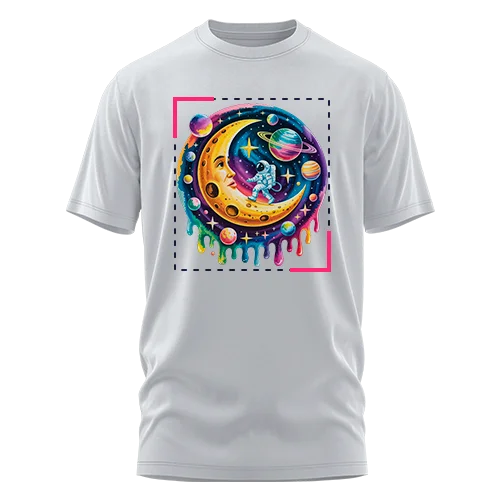
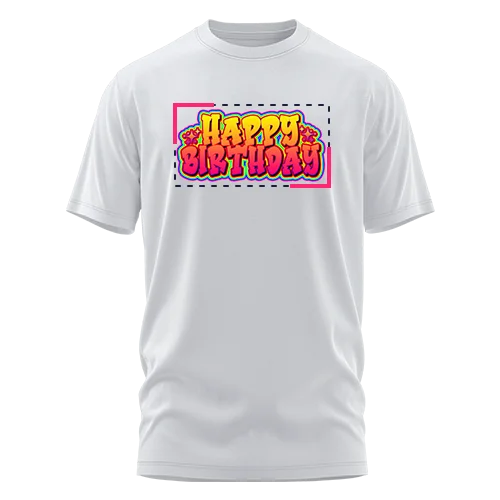
| Center chest | 6-10 in × 2-10 in | 3-4 in down | Logos, stacked text, half-height designs |
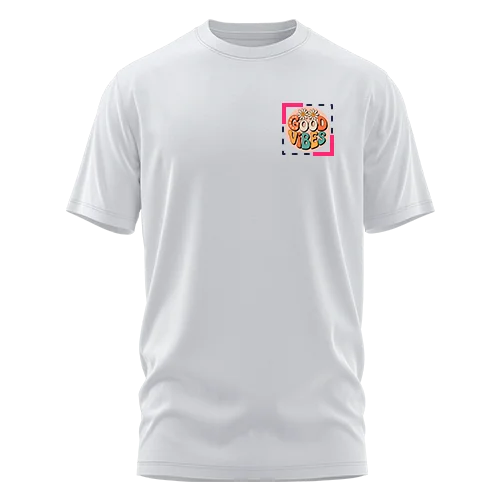
| Left chest | 3.5-4.5 in × 2-3 in | 3 in down · 4-6 in from center | Brand logos, uniforms, workwear |
| Full back | 11-13 in × 13-15 in | 4 in down | Teams, events, elaborate designs |
| Upper back | 10-12 in × 2-6 in | 4 in down | "Staff", "Security", wide text |
| Sleeve | 2-3.5 in wide | 1 in above seam | Secondary branding, flags |
| Back collar / neck label | 1-3 in × 1-3 in | 1-2 in below back collar | Small branding, inside labels |
| Oversized front/back | 12-15 in × 14-16 in | 1-2 in below collar | Adult only, bold oversized prints |
Pin it above your press: this page is print-friendly. Ctrl+P (Windows) or Cmd+P (Mac) prints it or saves it as a PDF.
Placement and sizing by garment type
A full front on a t-shirt and on a hoodie follow the same general rules, but pockets, hoods, plackets, and seams change where a design can sit. Open your garment:
T-Shirts
Standard and relaxed fits both take DTF well. Relaxed fits have more printable area, so wider designs look more balanced; standard fits benefit from slightly tighter placement.
- Full front: 10-11 in wide · 3 in below collar
- Center chest: 10-11 in wide · 3-4 in below collar
- Left chest: 3-4 in wide · 3 in below collar, aligned with collar edge
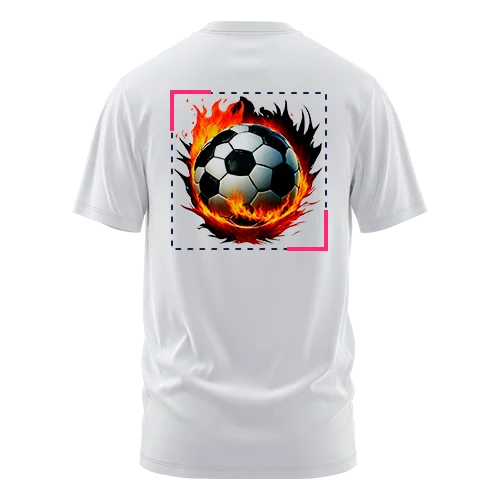
- Full back: 11-12 in wide · 4 in below collar
- Sleeve: 2-3.5 in wide · 1 in above hem seam
Pro tip: Very tall, narrow design? Bump the width up 1 to 1.5 inches so it does not look thin on the chest. We see this most with logos designed for screens, not fabric.
Hoodies
Heavier fabric holds transfers well and allows larger placements. Watch the kangaroo pocket on the front and the hood on the back.
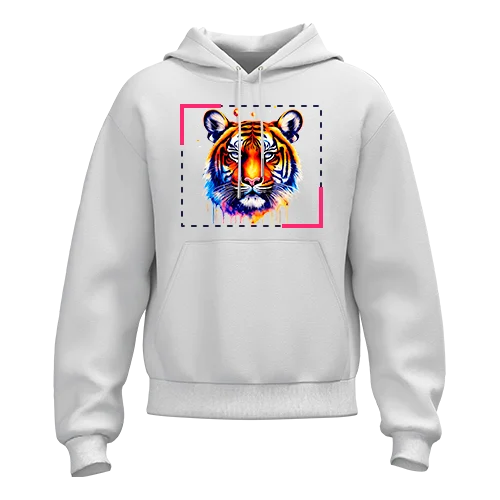
- Full front: 10-12 in wide · 3-3.5 in below neckline (clears the pocket edge)
- Center chest: 10-12 in wide · same rule applies
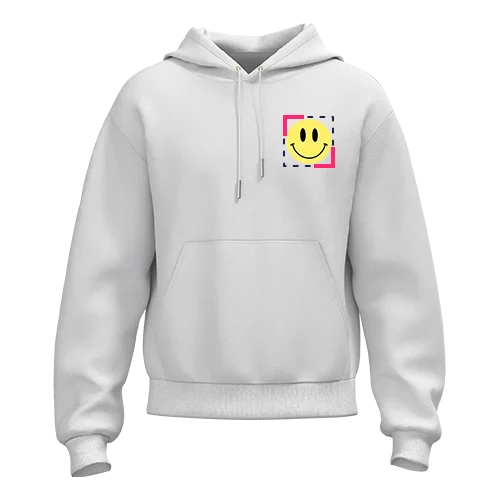
- Left chest: 3-4 in wide · 3 in below neckline
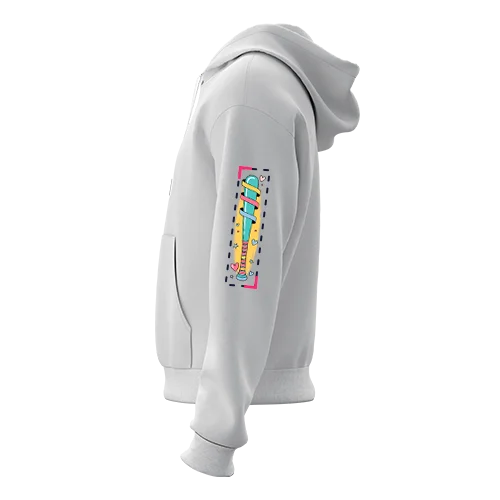
- Sleeve: 3.5 in wide · up to 15 in tall (vertical placement)
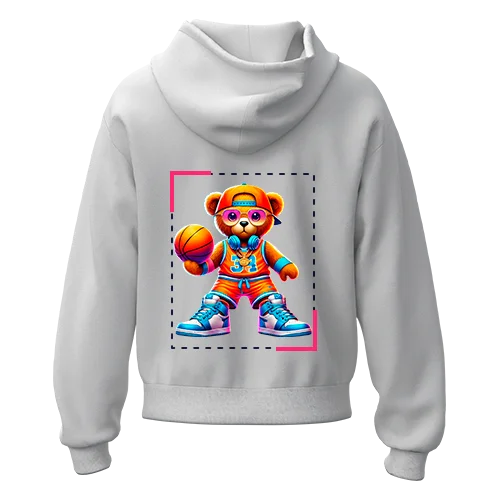
- Full back: 10-12 in wide · 4-6 in below collar (lower, so the hood does not cover it)
Pro tip: Back placements sit lower than on a t-shirt: at the standard 4 inches, the hood covers the top of the design. Use 5 to 6 inches on pullover hoodies.

Polo Shirts
Polos look best with compact placements. The collar, placket, and buttons take visual space, so a large design ends up looking crowded.
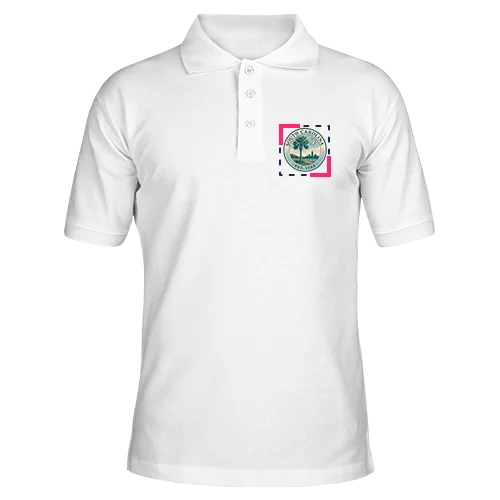
- Left chest: 3-4 in wide, the best option for logos on polos
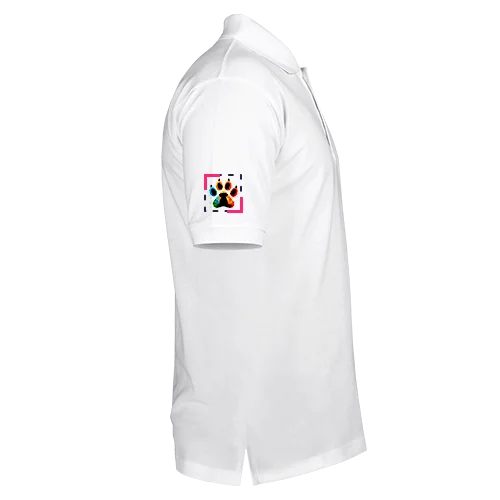
- Sleeve: 2-3.5 in wide, a clean secondary spot
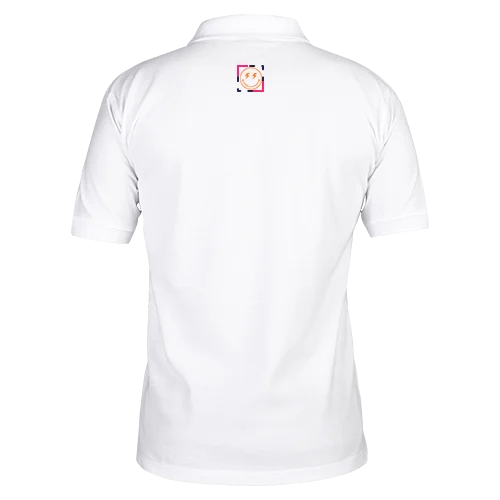
- Upper back / yoke: 2-3 in wide, small logo centered below the back collar
Pro tip: Avoid full fronts on polos: the placket creates an uneven pressing surface and splits the design visually. Left chest is the right call for corporate and staff shirts.
Tank Tops
Narrower printable area than tees, especially near the arm openings. Keep designs centered and avoid going too wide.
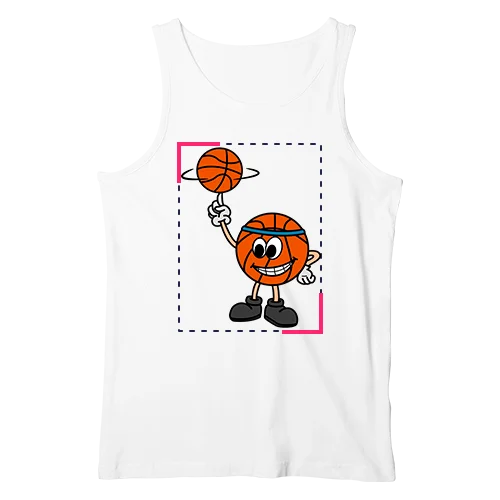
- Full front: 10-11 in wide max, centered
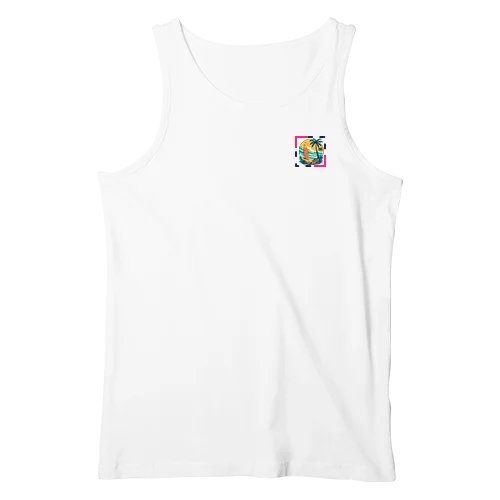
- Center chest: 3-3.5 in wide
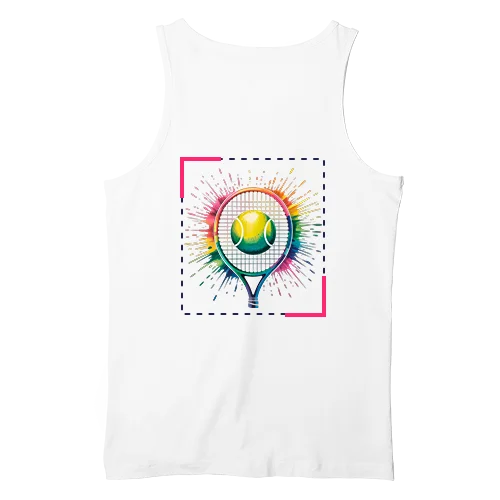
- Upper back: 9-11 in wide
Pro tip: Keep everything at least 1 inch away from the armhole edges: anything closer presses over a curved, unsupported area and tends to lift or peel.
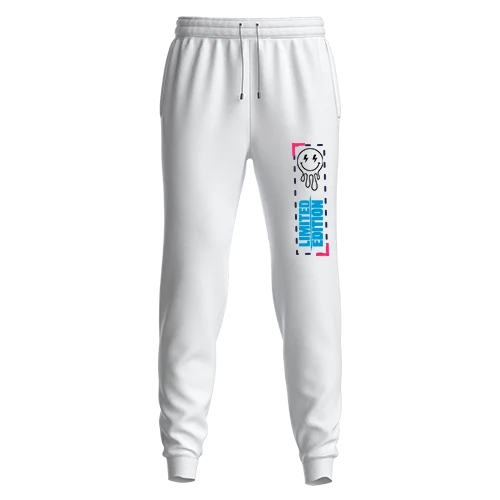
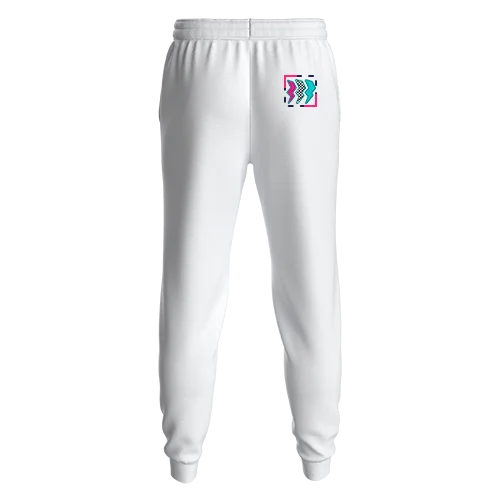
Sweatpants
Placement is almost always vertical, running down the leg. Keep designs simple for movement and wear.
- Full leg (vertical): 4 in wide · up to 20 in tall
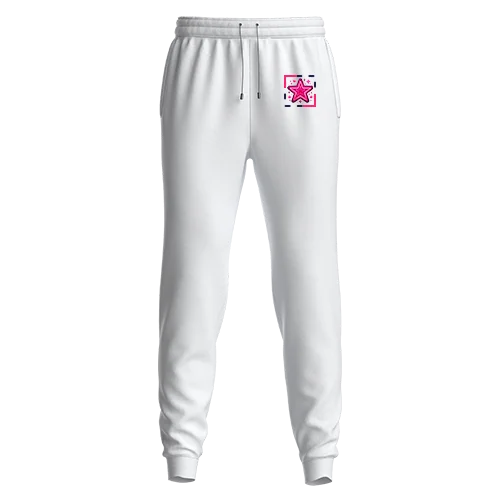
- Upper thigh logo: 3 in wide
- Side leg text or design: 3 in wide
Pro tip: The leg seam creates an uneven pressing surface. If your design crosses or sits near the seam, use a heat press pillow to lift the print area. Seam interference causes more leg placement failures than anything else.
Hats
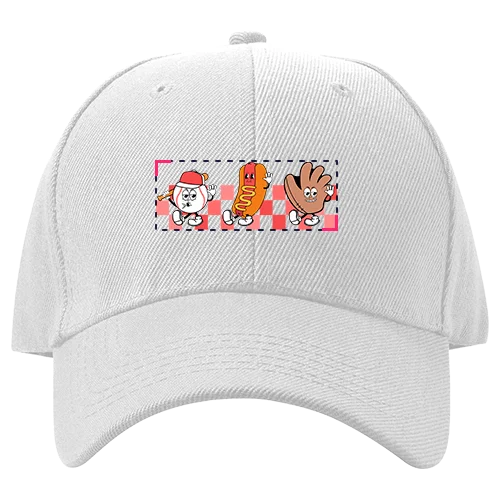
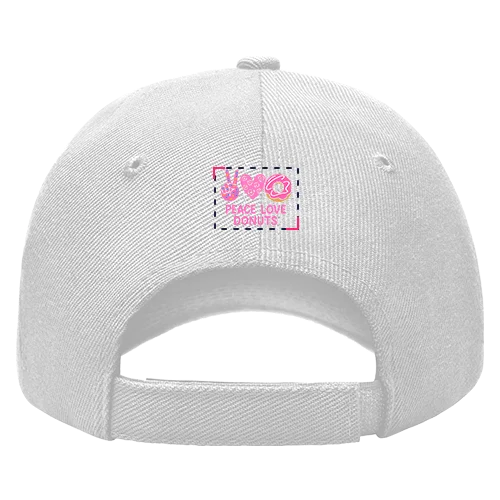
DTF works on structured hats with a flat press surface. The key word is flat: it does not work well on unstructured hats or strong curves.
- Front panel: 4 in wide · 1.75 in tall (max for most structured caps)
- Back panel: 2 in wide · 1 in tall (small logo or text)
Pro tip: Keep hat designs bold and simple. Fine lines that read fine at 4 inches on a shirt get hard to read on a hat, because hats are viewed at angles and up close.
Infants & Onesies
The printable area is much smaller than on adult garments. Keep designs compact, simple, and high on the chest.
- Front chest: 4-5 in wide · 1-1.5 in below the neckline
- Max recommended width: 5 in
- Avoid lower placements near the snap area
Pro tip: Clean icons, thicker strokes, and simple shapes work best at this size. Onesies have snaps at the bottom, so always keep the design on the upper chest.
Standard DTF print size chart reference
Starting sizes for front placements on standard tees. Not exact rules: adjust for your artwork's shape and the garment's print area.
Unisex adult t-shirts
| Shirt size | Standard width | Suggested design height |
|---|---|---|
| Small | 9-9.5 in | 12 in |
| Medium | 9.5-10 in | 12-13 in |
| Large | 10-11 in | 12-13 in |
| X-Large | 10-11 in | 12-13 in |
| 2X-Large | 11-12 in | 13-14 in |
| 3X-Large | 12 in | 13-14 in |
| 4X-Large | 12-13 in | 13-14 in |
Youth / kids
| Shirt size | Standard width | Suggested design height |
|---|---|---|
| X-Small | 7.5 in | 10 in |
| Small | 7.5-8 in | 10.5-11 in |
| Medium | 8 in | 10.5-11 in |
| Large | 8-8.5 in | 10.5-11 in |
| X-Large | 8.5 in | 10.5-11 in |
Mixed adult and youth runs: the same file reads completely different across scales. Set up two artwork versions, adult scale and youth scaled down 20 to 25 percent. It is one of the most common things we catch in file review.
How to choose the right transfer size
How to center a transfer: methods that work in production
The Fold Method
Fold the shirt vertically so the side seams line up, press the fold to set a crease (a 3 to 5 second pre-press sets it sharper), and unfold. The crease is your alignment guide. Measure 3 inches below the collar for the top placement point, and chalk-mark it for large runs. Works on every garment type and costs nothing.
Left chest alignment
Drop a vertical line from the outer edge of the collar. The center of the design sits on that line, about 3 inches below the collar seam, right where a breast pocket would be. If it drifts left of the line, it looks like it is sliding off the garment.
Avoid seams, pockets, and zippers
Pressing over a seam means uneven pressure: the raised edge acts as a lever, one side bonds and the other lifts. If a design must cross a seam, put a heat press pillow under the garment. This is one of the most common causes of transfers that did not stick.
Scaling across a size run
Adult S through XL can usually share one file. At 2XL and up, scale up 1 to 1.5 inches in width. For youth, scale down about 20 percent. For mixed runs, set up two artwork versions instead of splitting the difference.
Common questions: sizing, placement and ratios
What is the 3-inch rule for DTF transfers?
Place the top edge of a front transfer 3 inches below the bottom of the collar seam. It applies to adult t-shirts and hoodies for full front, center chest, and left chest placements. Three to four stacked fingers gets you close without a ruler. Back placements shift to 4 inches down.
How far from the collar should a DTF transfer be placed?
Adult front: 3 inches below the collar. Adult back: 4 inches down. Youth shirts: 1.5 to 2 inches. Infant onesies: 1 to 1.5 inches below the neckline. These are starting points: a very tall design may need to move up slightly.
Are these sizes exact?
No, they are starting points based on industry standards and what works in our shop. Exact sizing depends on garment size, fit, and your artwork's proportions. When our team reviews your file, we flag anything that looks disproportionate before it prints.
Should I size by width or height?
Start with width: it controls how large the design reads across the chest or back. Height follows from your aspect ratio. The exception is vertical placements on sleeves and legs, where height matters more.
What's the safest placement for a professional look?
Left chest (3 to 4.5 inches wide, 3 inches below the collar) and center chest (6 to 10 inches wide). Both stay visible under a jacket, and left chest is the default for workwear and staff shirts.
Can I mix placements on the same garment?
Yes: left chest plus full back, and left chest plus sleeve are the most common combos. Size each placement independently and keep a hierarchy: the primary placement noticeably larger than the secondary.
How do I center a transfer without tools?
The Fold Method: fold the shirt vertically so the side seams align, set a crease, unfold, and the crease is your center line. Measure 3 inches below the collar for the top placement point. Chalk-mark it for large runs.
What if I'm ordering locally in Miami and need it fast?
Order by 12 PM ET Monday to Friday for same-day production, then pick up from the 24/7 boxes in Kendall or Doral at any hour, including weekends. After the cutoff, orders print the next business day.
Is there a printable placement chart?
Yes: this page is print-friendly. Use Ctrl+P or Cmd+P to print or save as PDF. The quick chart at the top fits on one page, made to pin above your press.
Do you review files for placement and sizing?
Yes, every file gets a human review before it goes on the printer. If the artwork looks disproportionate for the size ordered, we reach out before printing.
Pick up same-day or ship nationwide
Once placement and sizes are set, ordering is straightforward: upload your file, choose your size, and most orders are ready within 24 hours.
Multiple designs on one sheet, from $7.20. Order gang sheets
Order by 12 PM ET, pick up or ship the same day. From $9.99. Order same-day
Flat $3.50 per linear foot, cold peel. Order by the foot
Pressed on real fabric to check colors before a full run. Get the chart
Call or text (305) 209-6264, Monday to Friday 9 AM to 6 PM ET. Bilingual, English and Spanish.
Placement set? Print it today.
Orders before 12 PM ET print the same day in Miami, with 24/7 pickup in Kendall and Doral or free shipping over $75.